Scribbr AI Detector Review: Accuracy and Limits

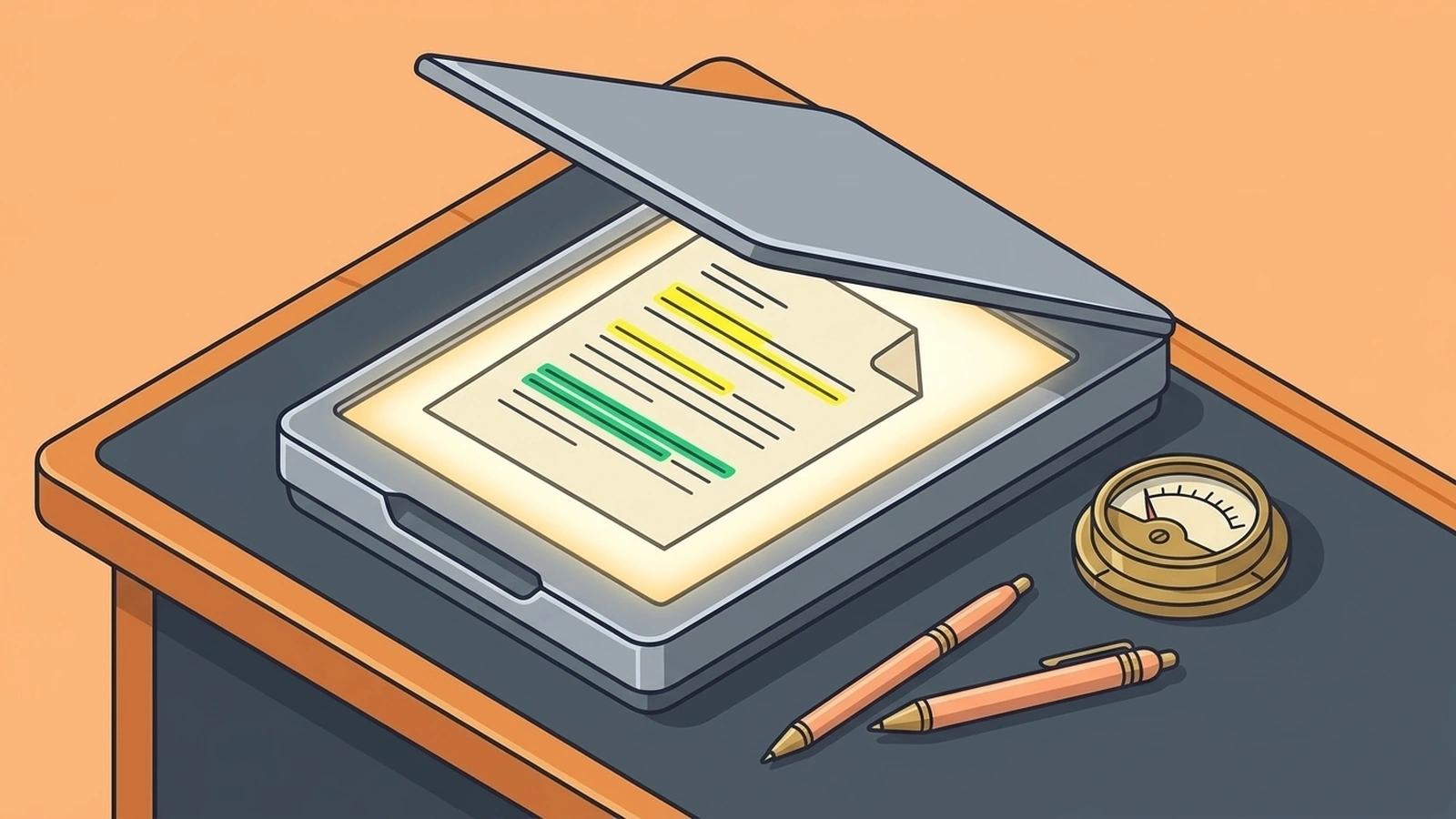
Scribbr AI detector scans text for signs that AI generated or refined it. You can use the free web tool without an account and check up to 1,200 words at a time. A paid plagiarism report also includes an AI detector, subject to the vendor's document limits. Those cost $19.95 to $39.95 per document. I checked the prices on Scribbr's pricing page on November 24, 2026.
What Scribbr's Detector Is Connected To
The Scribbr AI detector page provides access to its free web checking tool. Its public free UK page visibly embeds a detector from QuillBot, with a URL parameter identifying Scribbr as the partner. In contrast, Scribbr's own pricing page calls the paid add-on AI detector proprietary software, and its plagiarism checker uses Turnitin's comparison database to search for matching text. Because the plagiarism check and institutional detection serve different purposes, neither Scribbr AI score previews an institution's Turnitin AI detector result.
A score from one detector is therefore a result from that tool, on that passage, at that time. My guide to how AI detectors work explains the kinds of signals a text classifier may use and why its estimate can be wrong.
Pricing, Plans, and Word Limits
You can use Scribbr's free detector on its own or pay for an AI scan as part of a plagiarism report. The rates and limits below are the ones I verified on November 24, 2026.
The Free Web Tool
You do not need an account, login, or payment details to use the free version:
- Cost: $0
- Word limit: Up to 1,200 words per submission
- Submission volume: Unlimited checks
- Account requirement: None
- Language support: English, Spanish, German, and French
- Reporting: Overall percentage score, sentence-level color highlighting, and a breakdown across assessment categories
The 1,200-word limit is enough for short essays, discussion posts, cover letters, and sections of longer articles. Longer documents need to be split into separate checks. That can change the context the detector sees. The vendor advertises unlimited free checks.
The Premium Bundled AI Check
Scribbr does not sell a standalone monthly AI detector subscription. The premium model comes with a document scan purchased through Scribbr's plagiarism checker pricing system. The price depends on total word count:
- Small documents (up to 7,500 words): $19.95 per scan
- Regular documents (7,500 to 49,999 words): $29.95 per scan
- Large documents (50,000 words and above): $39.95 per scan
The paid plagiarism check accepts larger documents at the listed price tiers. Scribbr's AI detector help page separately states that its AI report scans up to 25,000 words of a document. A larger paid document therefore should not be assumed to receive an AI analysis of every word.
| Feature or Limit | Free Web Tool | Premium Bundled Scan |
|---|---|---|
| Starting Price | Free ($0) | $19.95 per document |
| Billing Structure | No payment required | Pay per document |
| Account Needed | No | Yes |
| Word Limit per Check | 1,200 words | AI report scans up to 25,000 words |
| Submission Volume | Unlimited individual checks | Single document per purchase |
| Plagiarism Database | Not included | Included (Turnitin comparison) |
| Detection Engine | QuillBot iframe visible on UK page | Scribbr's proprietary software |
| Sentence Highlighting | Yes | Yes |
| Supported Languages | English, Spanish, German, French | English, Spanish, German, French, Dutch |
For checking an isolated draft, I would start with the free version. It lets you inspect the free report without a purchase when the detector is accessible. The paid option makes sense if you also need a formal plagiarism check against academic databases.
What I Could Test Directly
No live detector result was obtained during this review, so I have no observed percentages, sentence color highlights, or accuracy rates to report.
A useful hands-on test would record the exact text, its provenance, the date, the tool's full response, and whether the same passage changes when tested alone and inside a longer document. A single success or miss would show how that input was treated. It would not establish the detector's overall accuracy.
Scribbr publishes its own comparison of AI detectors, which includes human, generated, and mixed samples. Those are Scribbr's published test results. They provide context, but they are neither an independent audit nor a substitute for independent testing.
Understanding Scribbr's Four Assessment Categories
Scribbr's explanation of its detector describes four report categories. They are estimates about the text, not evidence of how it was actually made:
- AI-generated: Scribbr says this label marks text it considers likely to have been written by an AI tool.
- AI-generated and AI-refined: Scribbr uses this label for text it considers generated and then altered with an AI tool.
- Human-written and AI-refined: Scribbr uses this label for text it considers human-written and then altered with an AI tool.
- Human-written: Scribbr says this label marks text it considers likely to have been written without AI or paraphrasing help.
These labels describe the detector's assessment. They do not reveal the writing history. A reader should examine the passage and any available drafts before drawing a conclusion from a category.
The False Positive Problem and Non-Native English Writing
A false positive occurs when a detector labels human writing as machine-generated. Any statistical text classifier can make that mistake. It cannot see you write; it measures how closely your finished text resembles patterns it has learned.
Simple sentence structures, common vocabulary, and rigid transitions can make human writing look predictable. Detectors often read that predictability as a sign of automation.
That creates a documented problem for non-native English speakers. Stanford researchers who evaluated AI detectors tested several popular detectors on essays written by non-native speakers for the Test of English as a Foreign Language (TOEFL). The tools systematically misclassified human essays as AI-generated, often giving them high machine-probability scores. The writers' simpler vocabulary and standardized sentence structures resembled the patterns the detectors associated with language models.
Vendors acknowledge the risk. In Turnitin's guidance on false positive rates, the company says it tunes its models to keep false positives low but cannot eliminate errors. It advises educators against using an AI score as the sole basis for an academic misconduct accusation.
Treat a flagged sentence as something to review. Concise, conventional prose can draw a highlight even when you wrote every word yourself.
How This Compares With Detectors Already Covered Here
The existing QuillBot AI Humanizer review focuses on rewriting. It discusses detector feedback as one of several things a writer may see after a rewrite. Scribbr's public detector is a dedicated checking page.
My article on whether AI humanizers beat AI detectors addresses a different question: what a changed score after rewriting does and does not prove. Scribbr's category labels may help a reader find a passage for review, but a lower score after editing does not verify authorship or factual accuracy.
The guide to how AI detectors work explains why a classifier can mislabel human prose and miss generated prose. Scribbr offers an accessible interface for seeing one classifier's estimate. That interface alone does not show whether it is more accurate than another product on your writing. A direct comparison would require the same dated sample set and recorded outputs from each detector.
Diagnostic Before and After Revisions
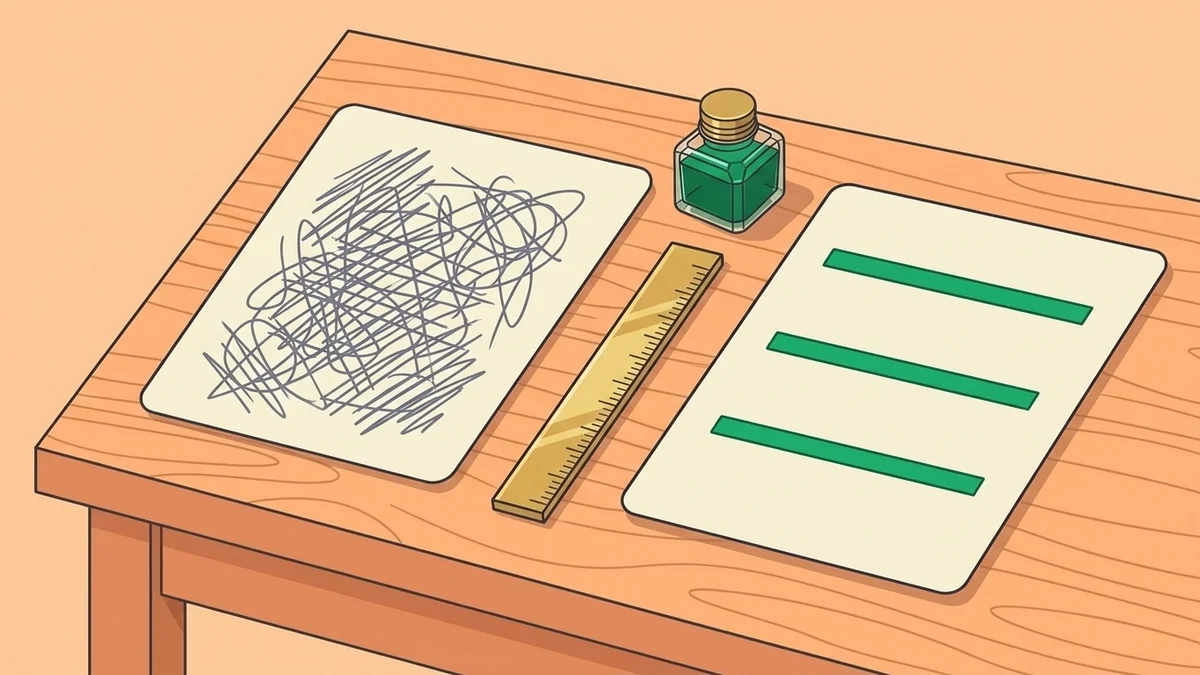
If Scribbr flags a passage, read it before reaching for an automated rewriter. Random synonym swaps often make a sentence harder to follow while leaving its repetitive rhythm intact.
Manual revision gives you more control. Cut bureaucratic padding, use active verbs where they help, and vary sentence lengths. These changes can improve readability without treating a changed score as the goal. The following examples show how to edit stiff prose for a reader.
Example 1: The Corporate Audit Announcement
Here is a draft that runs too long and relies on heavy administrative padding:
Before: "Following the completion of the comprehensive audit by the technical evaluation team, the organization will undertake an evaluation of the remaining security issues. This procedural review is intended to ensure that all outstanding vulnerabilities are properly identified and addressed prior to the formal software deployment."
This passage uses stiff, repetitive phrasing. Phrases like "Following the completion of," "undertake an evaluation of," and "This procedural review is intended to ensure" add word count without adding information.
Here is the revised draft:
After: "After the technical evaluation team completes its audit, the organization will evaluate the remaining security issues to identify and address vulnerabilities before software deployment."
The edit converts the noun phrase "Following the completion of" into the direct conjunction "After." It replaces "undertake an evaluation of" with the direct verb "evaluate" and folds the second sentence into the first. Crucially, the After version adds no new facts, dates, or promises that were missing from the Before text.
Example 2: The Academic Historical Summary
Here is an academic draft weighed down by unnecessary throat-clearing transitions:
Before: "Furthermore, it is essential to consider that the historical archival record serves as a testament to the persistent socioeconomic challenges faced by nineteenth-century textile laborers. Consequently, an examination of wage ledgers provides critical insight into the prevailing material conditions of the working class during this tumultuous transformative industrial era."
The opening phrases "Furthermore, it is essential to consider that" and "serves as a testament to" are filler markers that can make a paragraph tiring to read.
Here is the revised draft:
After: "The historical archival record demonstrates the socioeconomic challenges faced by nineteenth-century textile laborers. Examining wage ledgers provides critical insight into the material conditions of the working class during this industrial era."
It removes the filler transition and cuts redundant adjectives like "tumultuous transformative" while retaining every historical fact, subject, and citation claim present in the original draft.
Example 3: The Customer Replacement Policy
Here is a conditional policy instruction written in stiff, defensive language:
Before: "In the event that an item is received in a damaged condition, customers are eligible to submit a request for an item replacement, provided that the support division is formally contacted within fourteen days following the date of delivery."
It buries a simple customer instruction beneath convoluted bureaucratic phrasing ("In the event that," "eligible to submit a request for," "formally contacted").
Here is the revised draft:
After: "If an item is received in a damaged condition, customers may request a replacement, provided that they contact the support division within fourteen days of delivery."
It replaces "In the event that" with "If" and simplifies "eligible to submit a request for" into "may request." It preserves the exact condition, action, and fourteen-day deadline from the original policy without altering any operational details.
For additional strategies on refining awkward machine phrasing by hand, read my guide on how to humanize AI text manually.
Five Common Mistakes When Using Scribbr AI Detector
A detector check can waste time if you ask it to answer questions it cannot settle. These five mistakes can also make your writing worse.
1. Treating Scribbr as an Institutional Guarantee
A student relying on Scribbr alone may still face questions from an instructor whose software reads the assignment differently. Use the result to review your draft, without treating it as advance approval from the institution.
2. Chasing a Zero Percent Score by Mangling Clear Prose
A highlight can tempt you to reach for a thesaurus. Unusual synonyms often replace accurate, familiar words with awkward ones, leaving the reader to puzzle out what you mean. If you wrote a clear, accurate sentence, keep its clarity even if the scanner dislikes it.
3. Scanning Large Manuscripts in Disjointed Fragments
Because the free tool caps submissions at 1,200 words, writers frequently paste disconnected paragraphs into the box one by one. This approach ignores document-level flow. Statistical detectors evaluate contextual probability across a passage; scanning an isolated paragraph out of order can sometimes yield different results than evaluating that paragraph within its full chapter.
4. Viewing the Score as Proof of Authorship
Neither a 0% score nor a 100% score proves who wrote a document. Detectors calculate mathematical predictability, not identity. Treating a high score as proof of cheating or a low score as proof of honesty misinterprets the limits of statistical classification.
5. Using Automated Humanizers to Bypass the Tool
Commercial rewriters promise to help flagged drafts evade detection, but their changes need careful checking. They frequently distort facts, alter technical terms, and introduce odd phrasing that a human editor will notice. My guide to the signs of AI writing covers those mechanical habits.
Step-by-Step Process for Auditing Flagged Documents
Work through the flagged passages in five steps:
Step 1: Examine Individual Highlights Rather Than the Total Score
If the detector loads, open the document viewer and find any highlighted sentences. Read each in context. Decide whether it contains machine-generated text or whether your own phrasing has become stiff. The overall percentage cannot make that distinction for you.
Step 2: Audit Sentence Lengths and Structural Variety
Read consecutive sentences in the flagged passage. If several have nearly identical length and clause structure, try changing the rhythm. You might combine two short statements or split a rambling sentence into two. Keep the version that is easier to follow.
Step 3: Remove Corporate and Academic Filler Phrases
Cut announcements such as "It is important to remember that," "In conclusion," and "It is widely acknowledged that." Start with the point those phrases introduce. The reader does not need an announcement that you are about to say it.
Step 4: Convert Passive Verbal Phrasing to Active Voice
Look for passive verbs and actions buried in nouns. "The committee evaluated" says the same thing more directly than "an evaluation was conducted by the committee." Active sentences use fewer words and break up predictable word sequences.
Step 5: Preserve Document Version Histories
For an academic paper or client document, keep a record of your drafts. Google Docs version history, Microsoft Word tracked changes, and dated local backups can show how the work developed. If someone questions your authorship, those records provide evidence of your drafting timeline that a detector score cannot refute.

Frequently Asked Questions
Is the Scribbr AI detector accurate?
Scribbr publishes accuracy figures from its own vendor comparison. A detector score is a statistical estimate and can be wrong for an individual passage.
Can Scribbr detect text from GPT-4 and modern AI models?
Scribbr states that its detector covers writing from popular AI tools, including ChatGPT and Gemini.
Does Scribbr store or publish my submitted text?
Scribbr states that submissions to the free detector remain private and are not stored or shared.
Final Verdict: Who Should Use Scribbr AI Detector?
Scribbr is convenient for a quick check of blog posts, emails, and short academic drafts. The 1,200-word free limit covers short documents, and you can read sentence highlights without registering.
I would use Scribbr to find passages that need a closer read. Make the final editing decisions yourself, and keep the drafting records that show how you arrived at the finished text.